

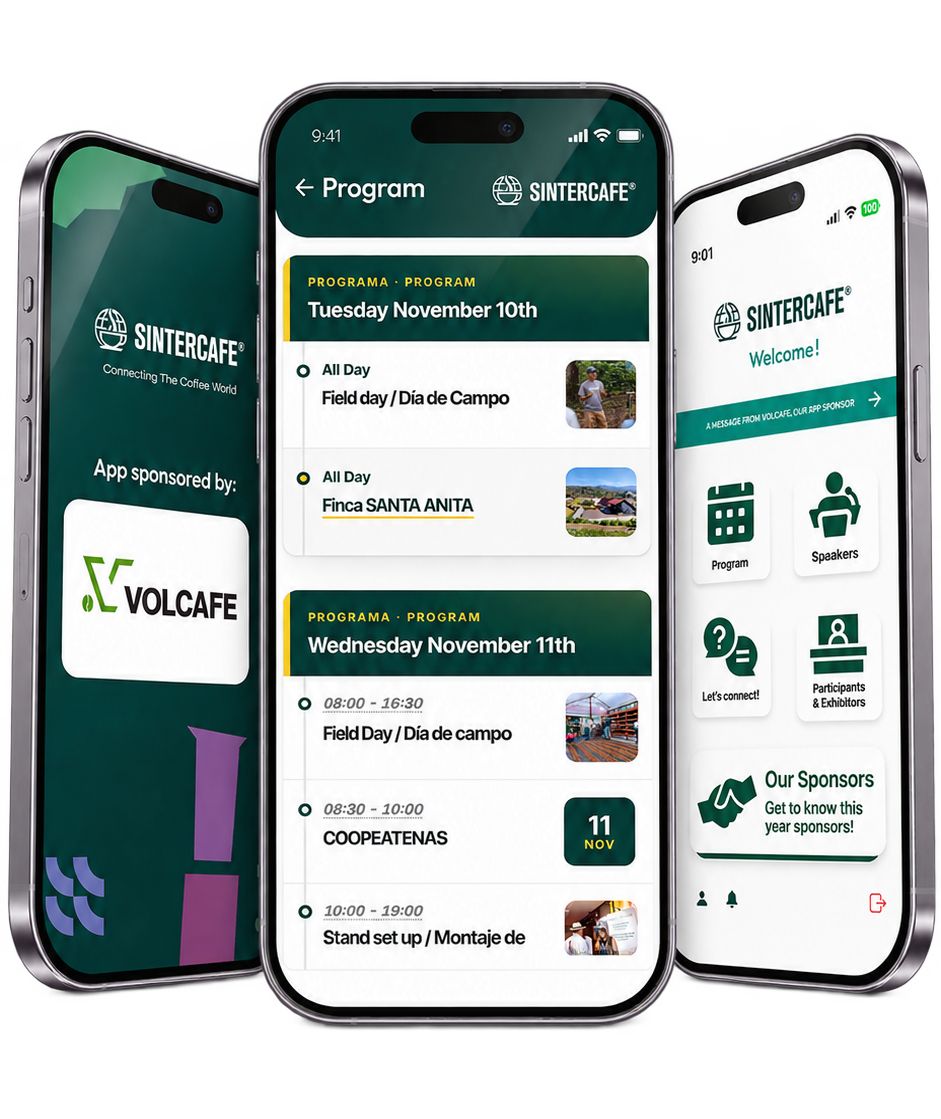
Keep the program, speakers and more at the palm of your hand. Receive notifications when an event is about to happen and participate directly from the app answering questions from a specific event.
Steps:
- Download the app
- The first time you open the app create a password under the password field, by touching “Create password” and using the email you used to register for the event.
- You will get an email to create the password.
- That’s it! Go back to the app and enter your email and password.